Press

Speak, and it’s written. Free, and on your own device.

Jot is a free dictation app for Mac, iPhone and Windows. You press a hotkey, talk, and the text appears wherever your cursor is. Your voice is turned into text on your own device, with no account, no subscription and no limits. If people want to give back, Jot sends them to charity.

The facts

Name
Jot. Listed as “Jot Transcribe” on the App Store and Microsoft Store.
Price
Free on every platform. No account, no ads, no subscription, no usage limits.
Platforms
Mac (Apple Silicon, macOS 15 or later) · iPhone (iOS 26 or later) · Windows (10 or later, x64)
Current version
Mac 1.23.6, released 23 October 2026 · iPhone 2.4, released 14 October 2026 · Windows, updated 26 October 2026
First released
Mac in April 2026, iPhone in May 2026, Windows in July 2026
Ratings
4.2 average from 10 ratings, US App Store, 13 Nov 2026
Founders
Vineet and Jamy, independent.
Source
The code is public on GitHub, free for personal and noncommercial use (PolyForm Noncommercial licence).
Donations
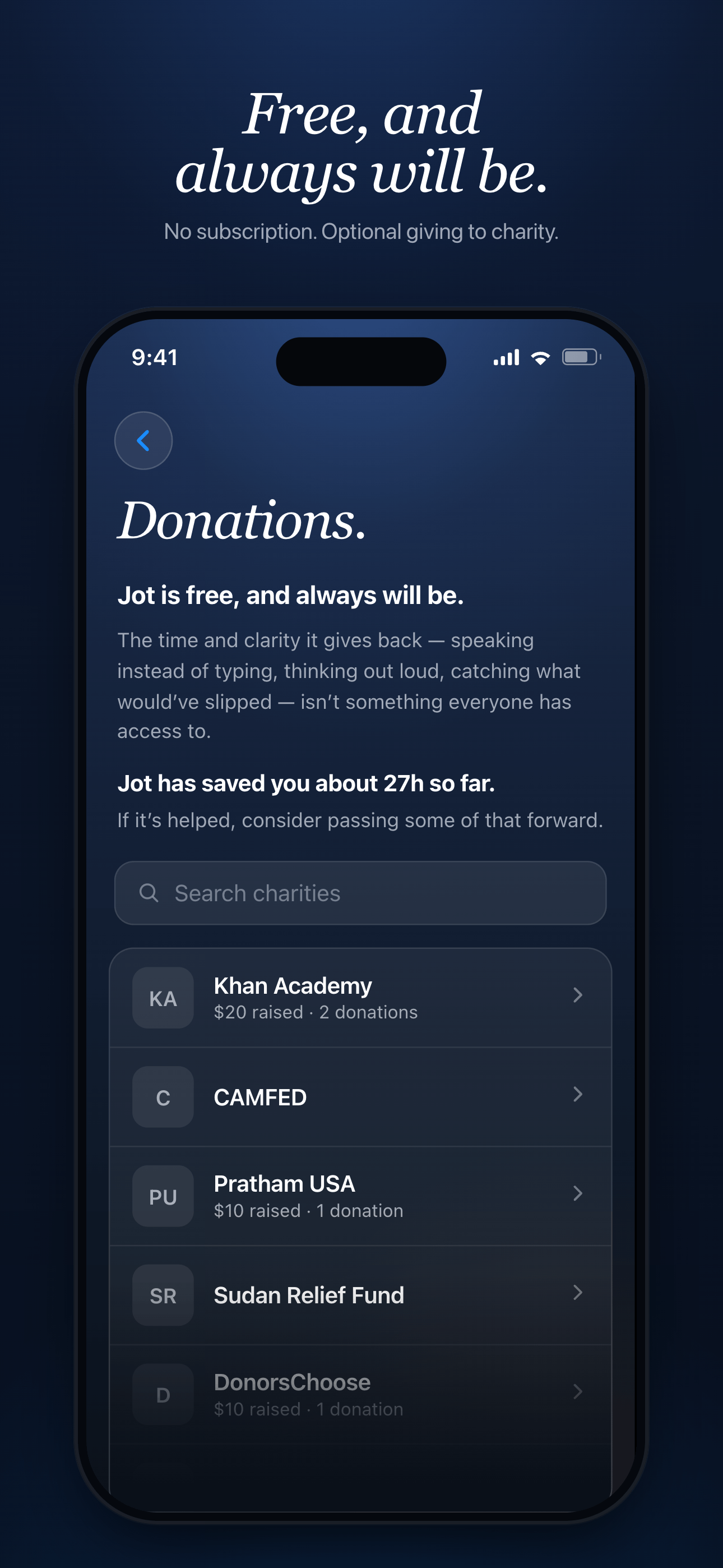
Jot takes no payment. Supporters give to charities through Every.org, on the donations page.
Links
Mac download · App Store · Microsoft Store · jot-transcribe.com

The story

Talking is faster than typing. That shouldn’t cost $144 a year, or your privacy.

The leading dictation apps charge around $144 a year and send your voice to their servers. Jot was built to be the opposite: free, with the speech turned into text on the device in front of you, and the source code public so anyone can check.

There is nothing to buy inside it. People who want to say thanks are pointed to a list of charities instead, and the app shows how much time it has saved them so they can pass some of that on.

Jot’s stated aim is to help you put your own thinking into words, “rather than letting the AI do the thinking for you.”

VineetJamy

Vineet and Jamy
Founders. Independent, and also the makers of Ori.

What it does

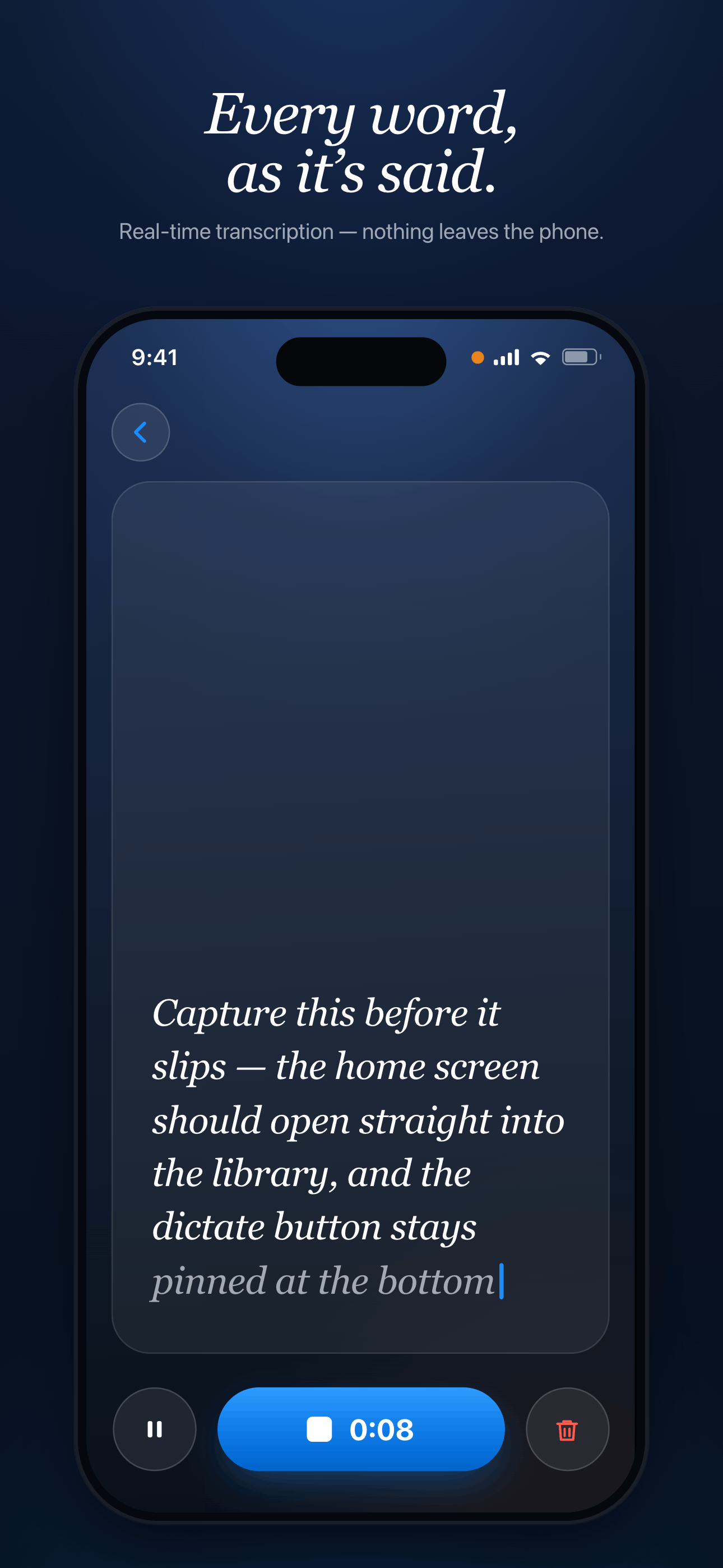
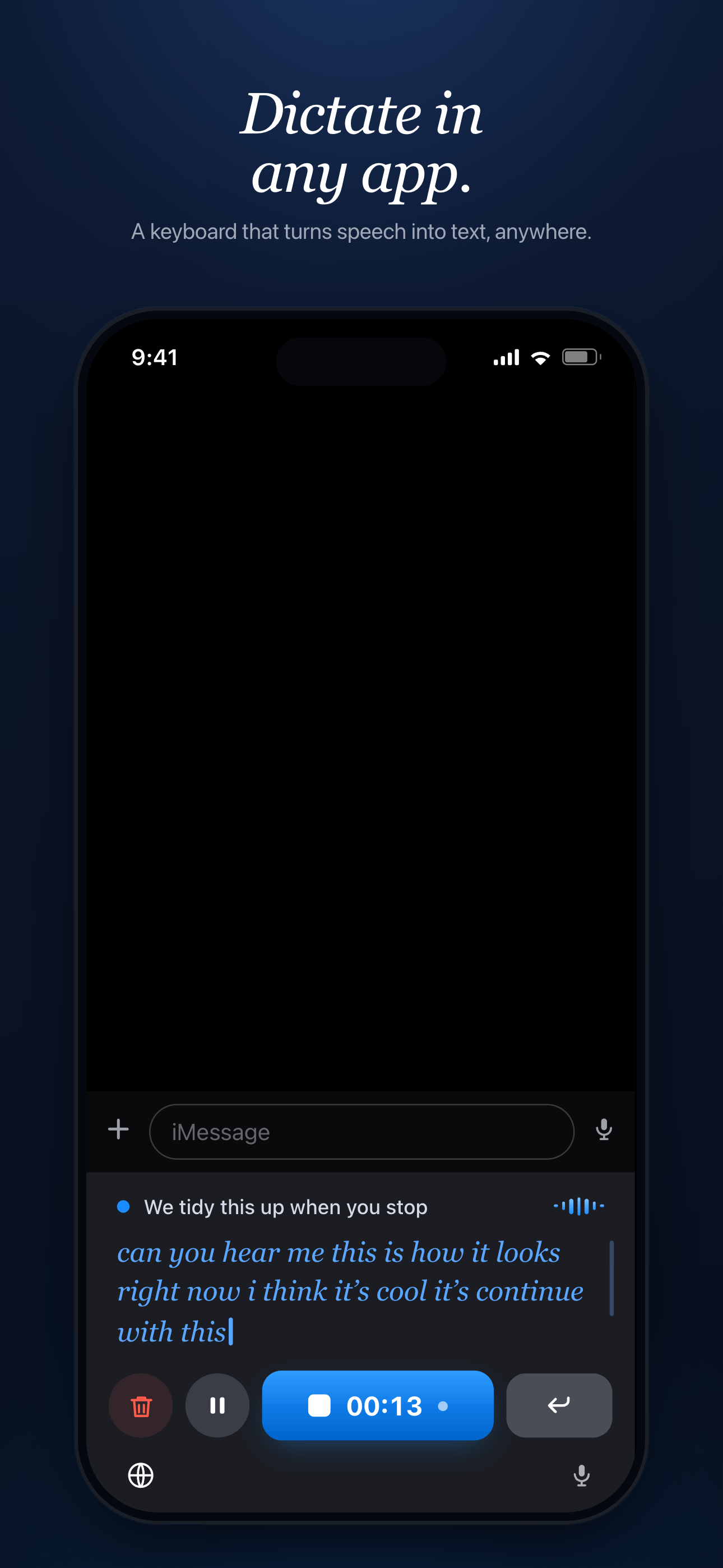
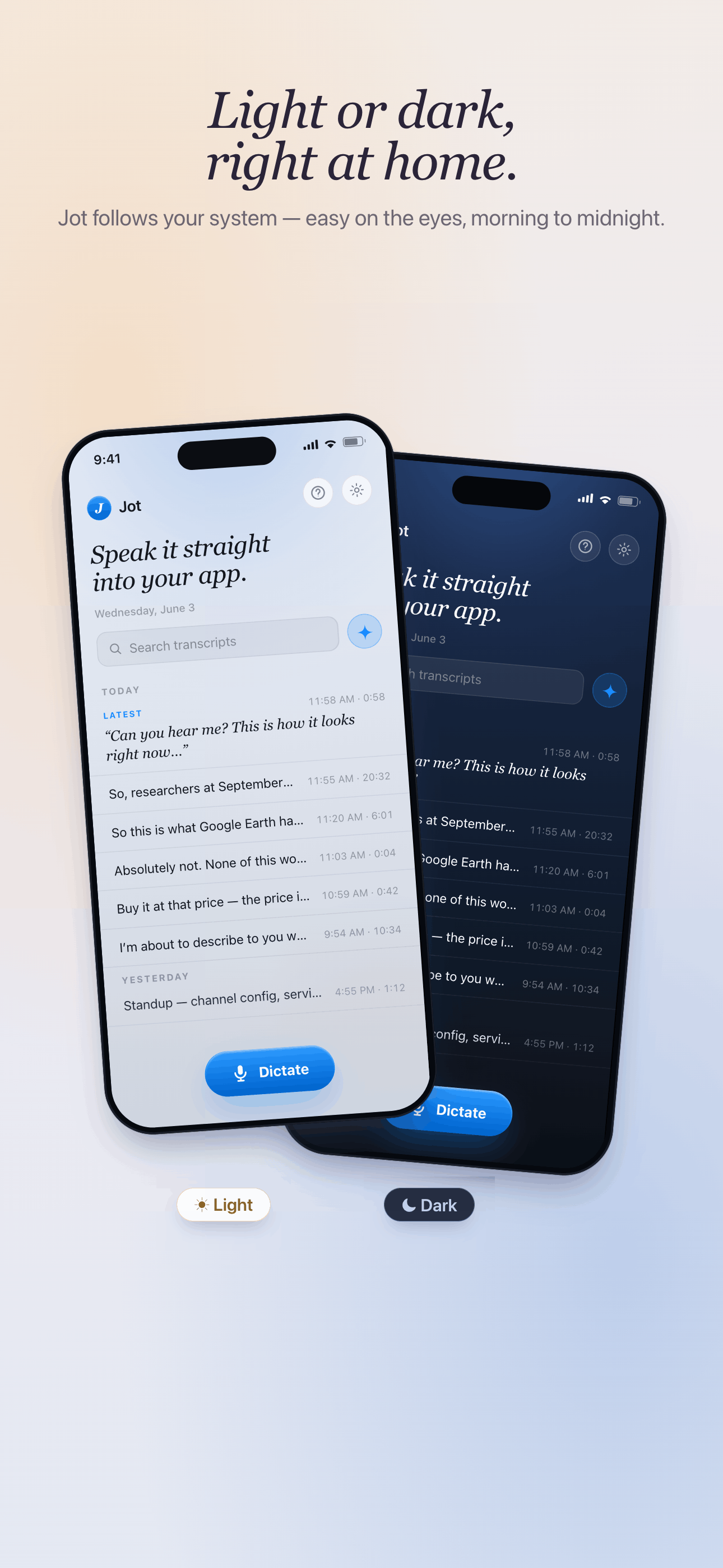
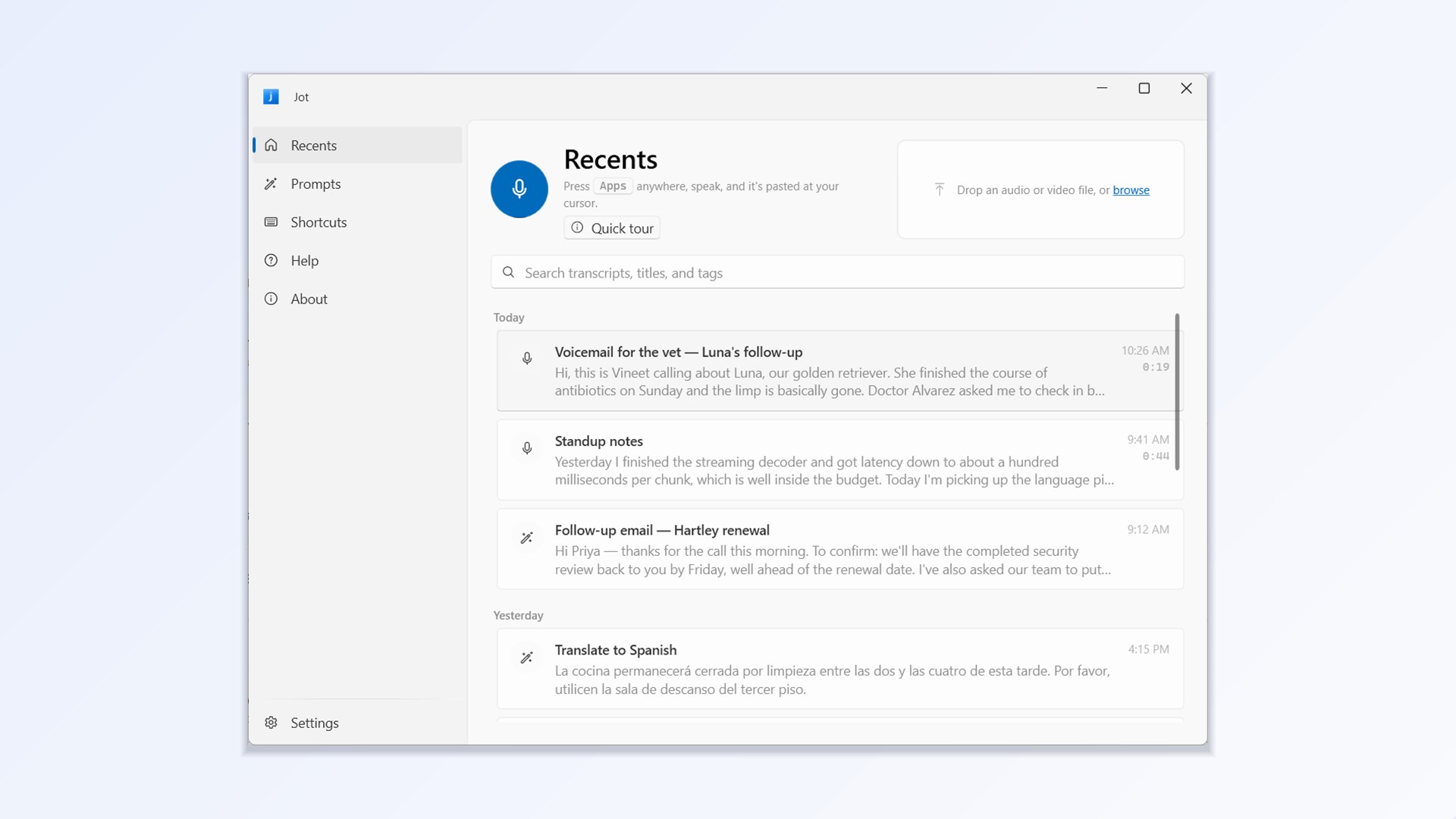
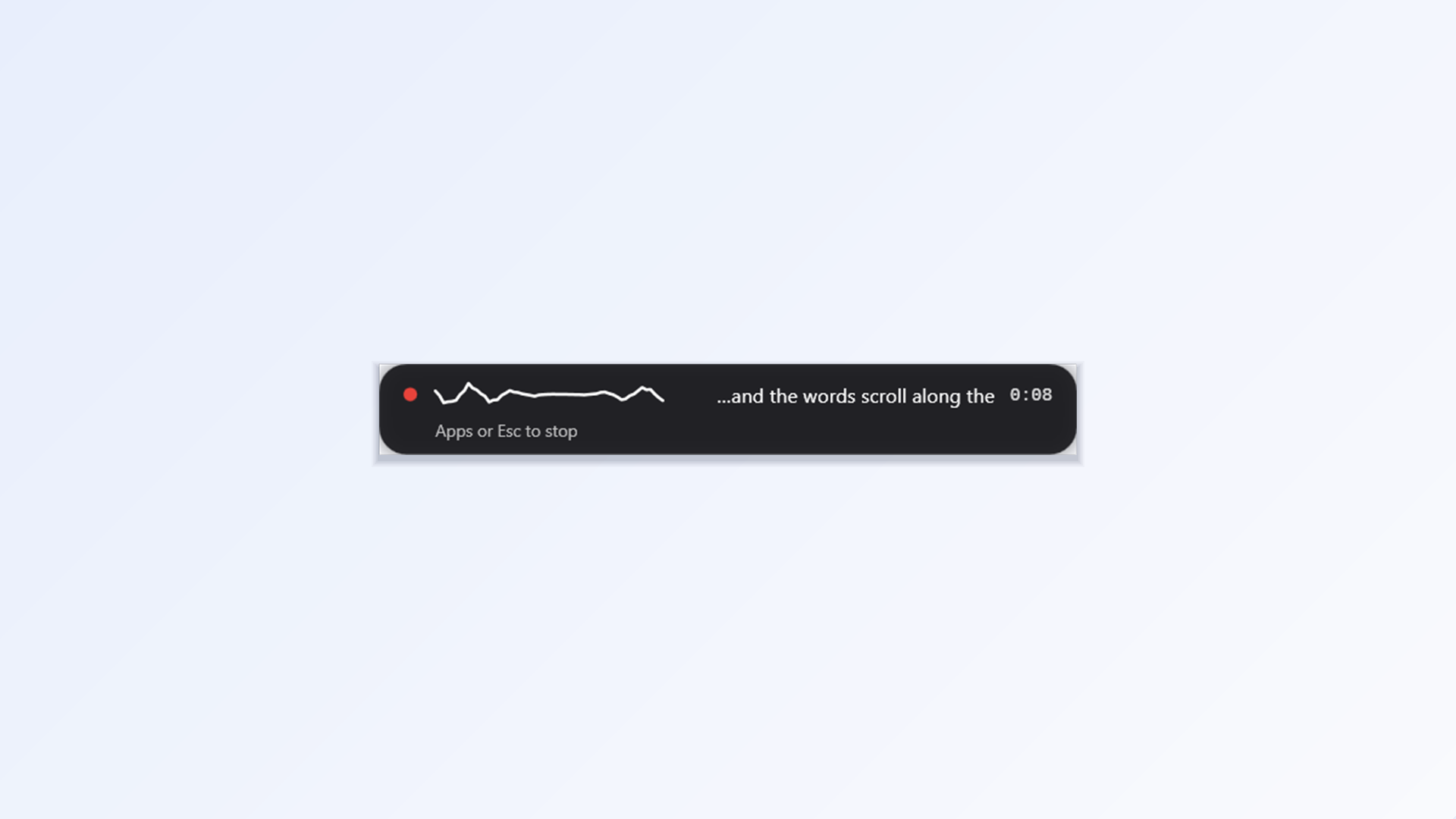
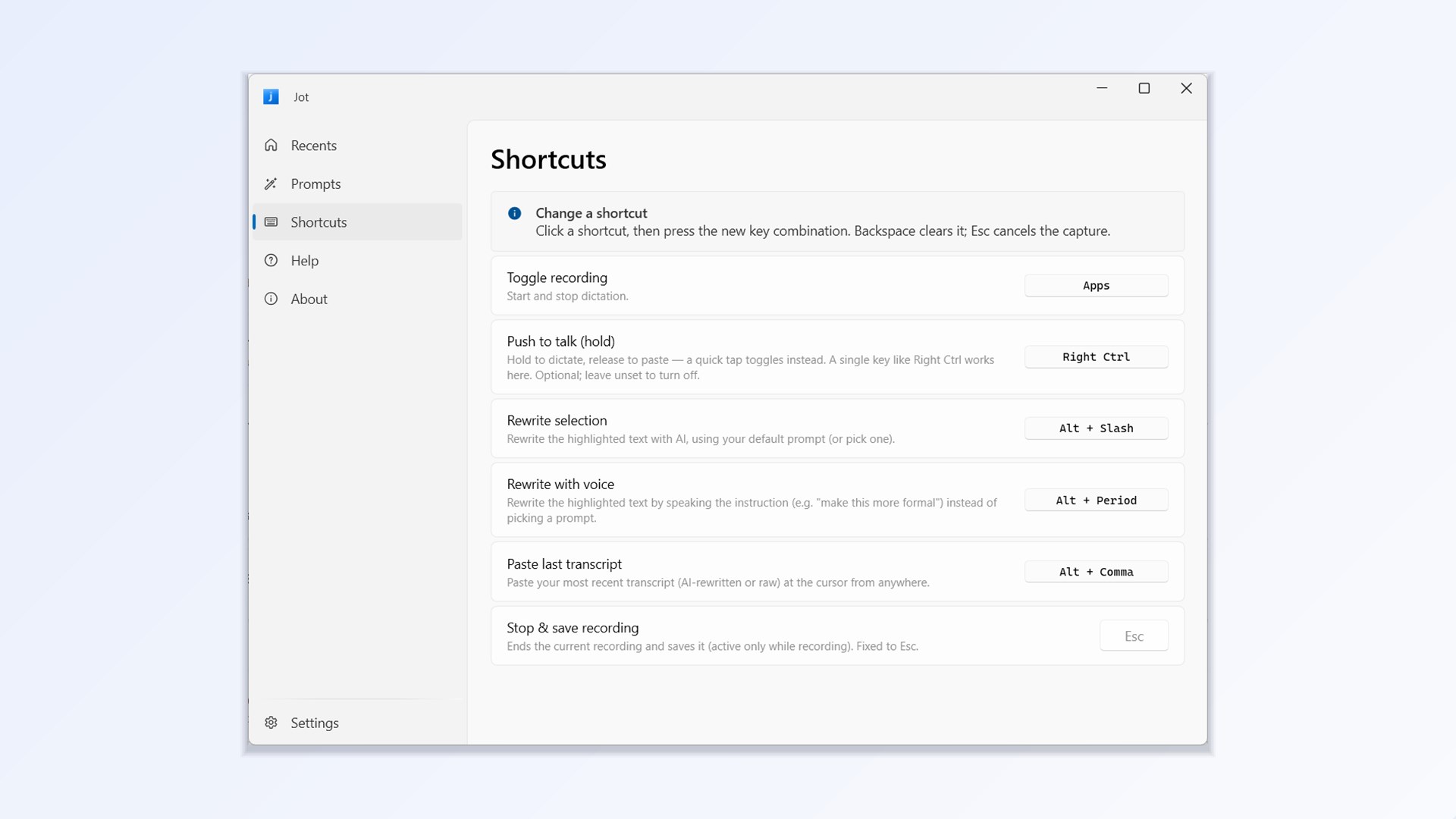
Dictation in any app. On Mac and Windows you press a hotkey, speak, and the text is pasted at your cursor: in mail, a chat, a code editor, a web form. Toggle it, or hold the key for push-to-talk. On iPhone, Jot is a keyboard. Switch to it, tap Dictate, and speak into the field you are in.

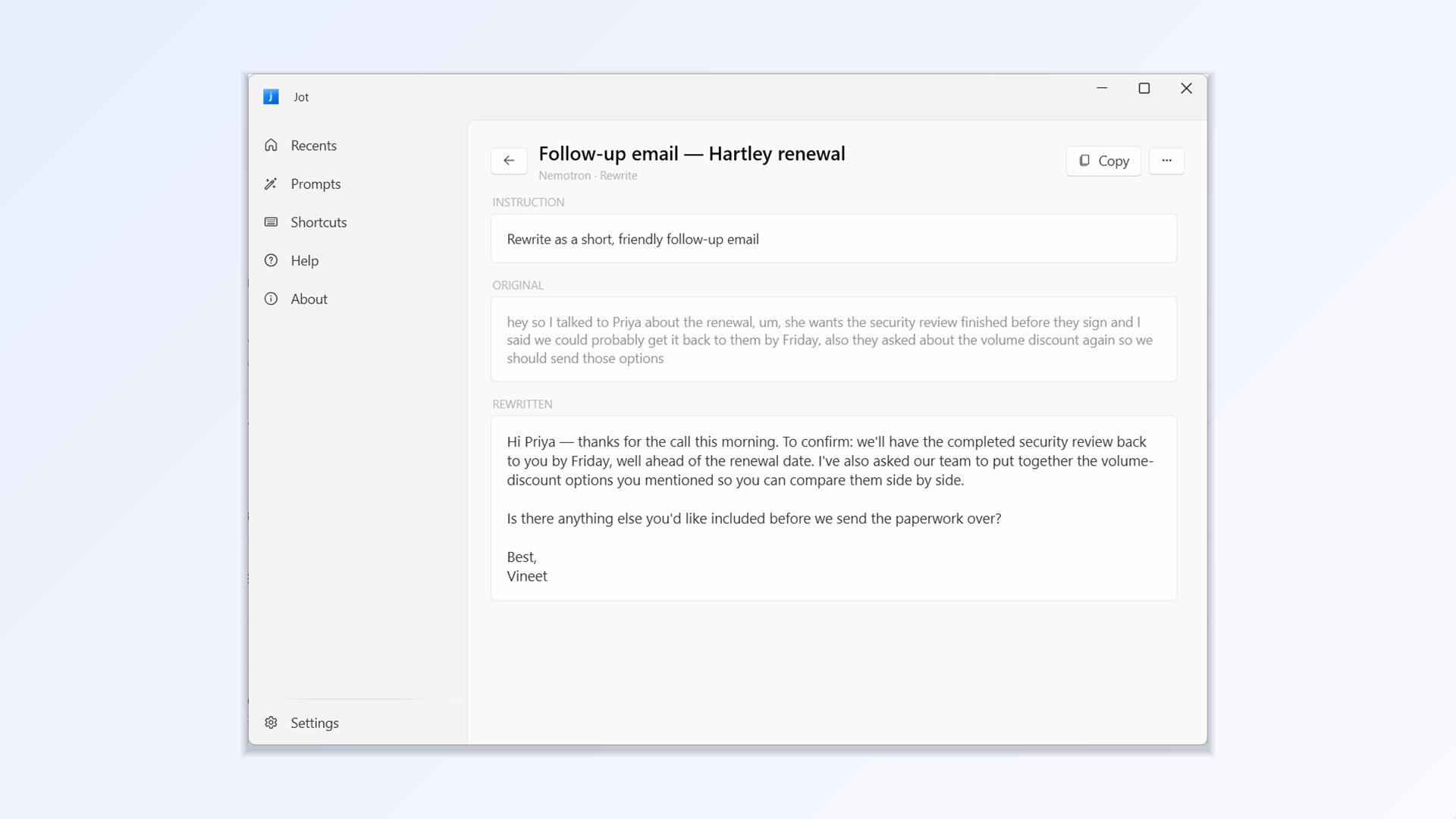
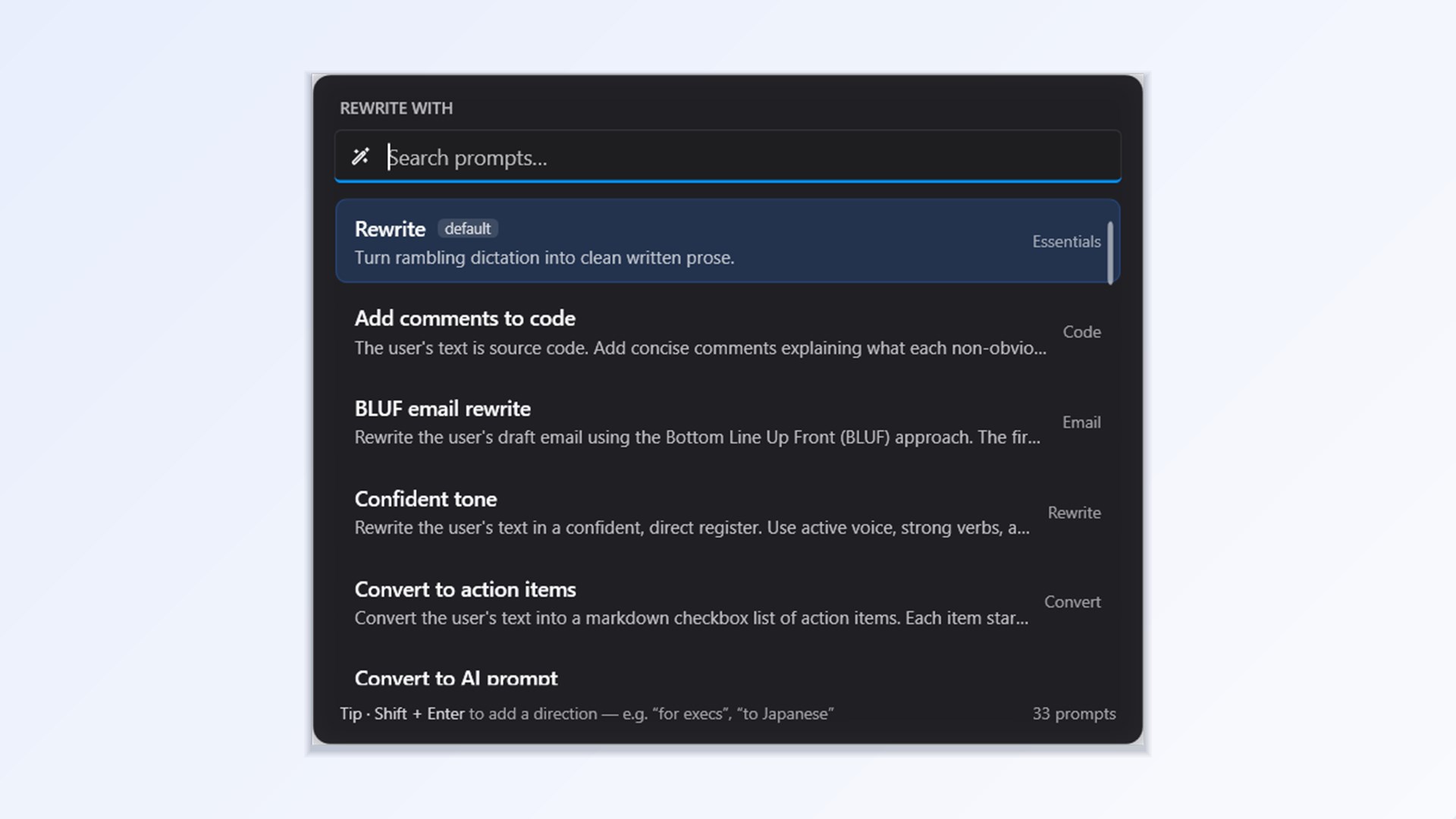
Rewrite by voice. Select any text and say what you want, such as “make this friendlier” or “turn this into an email”, and it is rewritten in place. It is also a quick way to speak long prompts for AI tools instead of typing them.

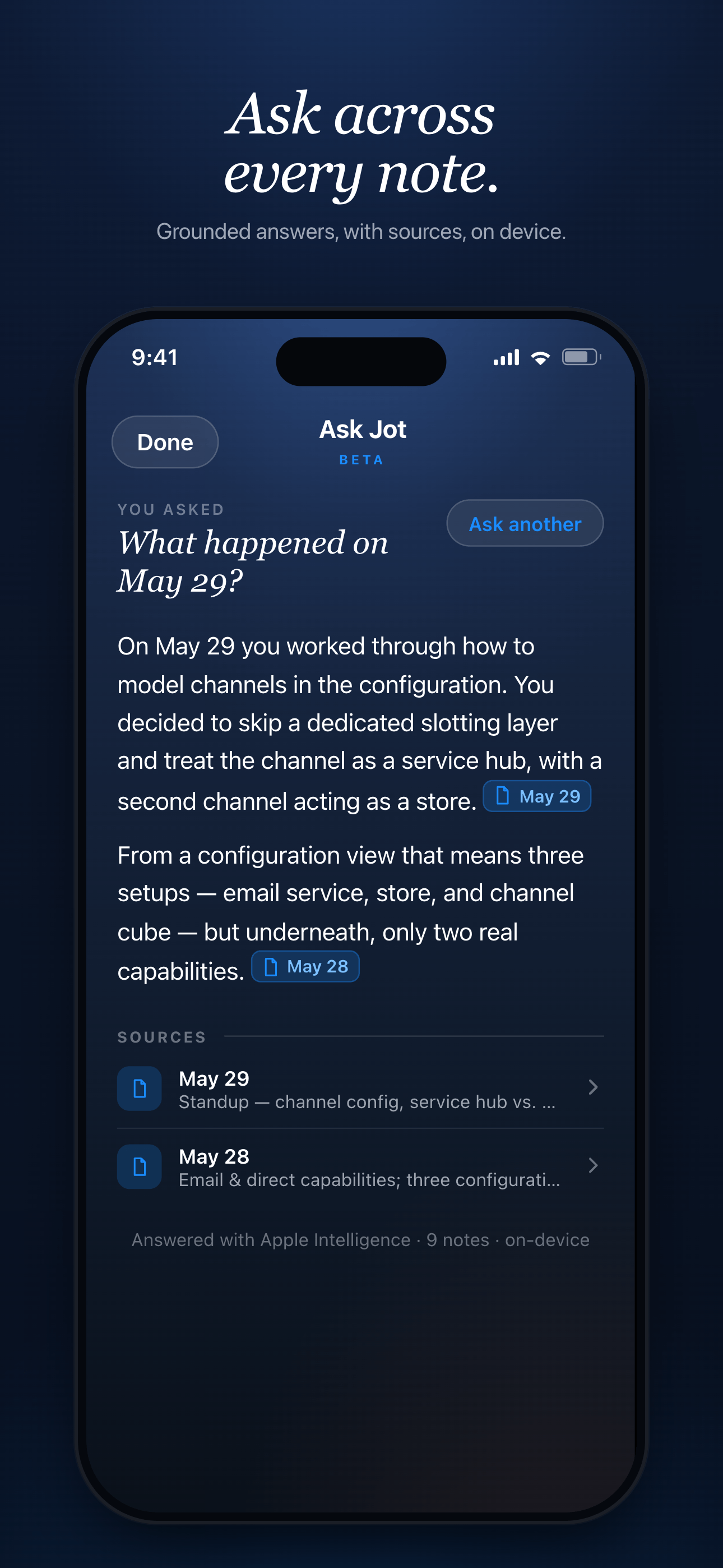
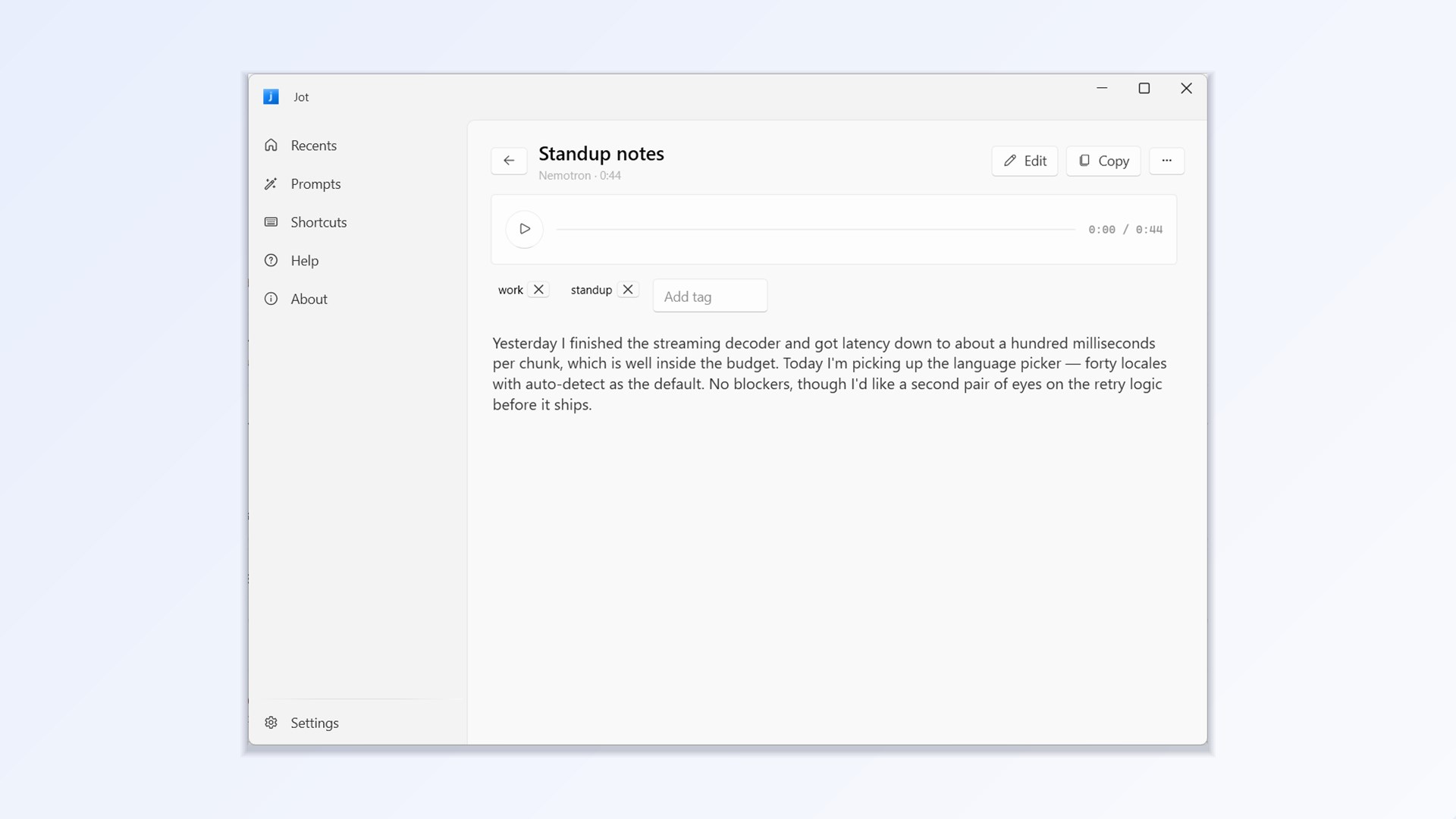
Everything you said, kept on your device. Each dictation is saved locally. You can replay the audio and search it. On iPhone, Ask Jot answers questions across your own transcripts and shows which notes it used.


Three angles for a story

The free alternative to $144-a-year dictation.

The same job as the paid apps, with no subscription and no limit on how much you say.

Dictation that stays on your device.

Speech becomes text on the Mac, iPhone or PC itself. No account, no telemetry.

The app that sends its tips to charity.

Jot asks for nothing. Supporters give to charities through Every.org instead.

Screenshots

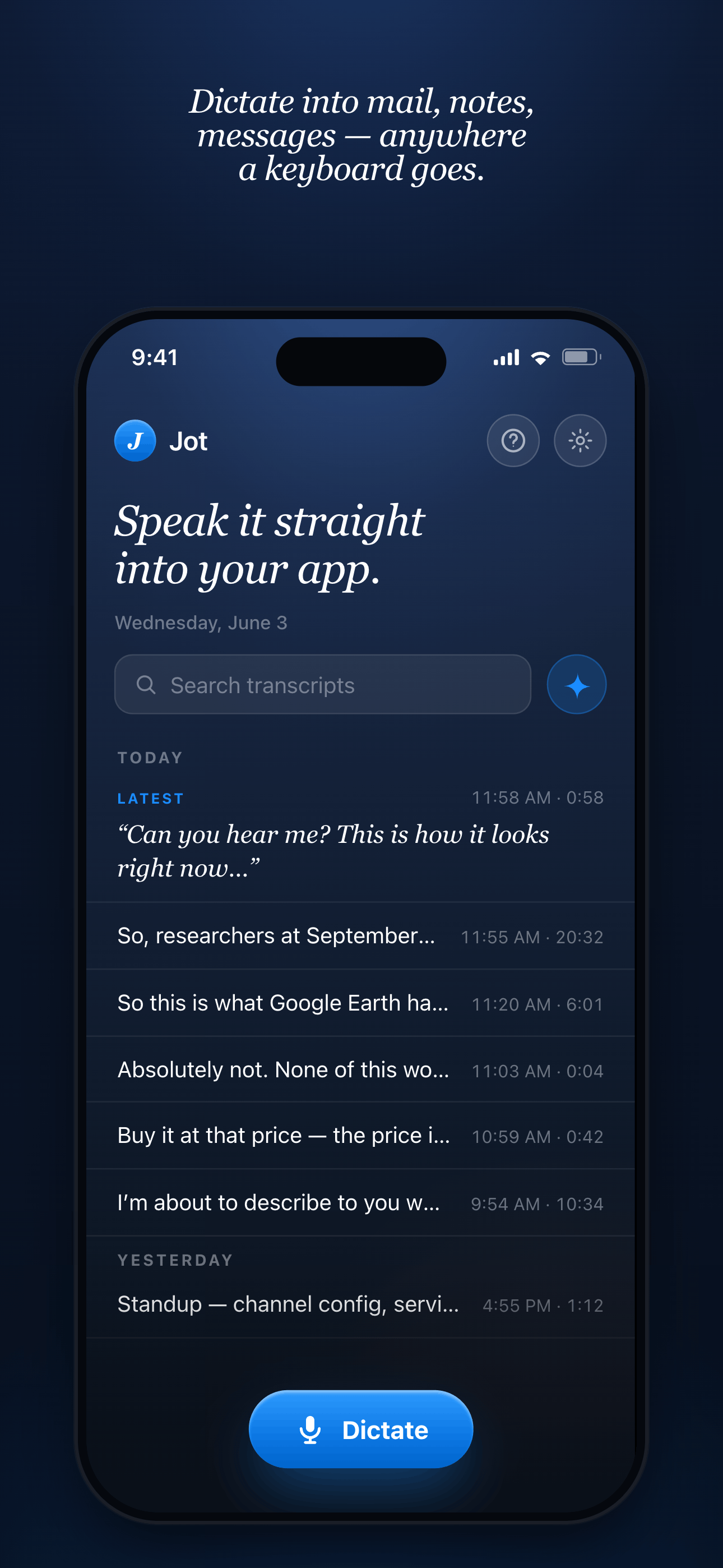
Tap any one for the full-size image. These are the current App Store and Microsoft Store screenshots. Mac screenshots are available on request.

iPhone · 1290 × 2796

Windows · 1920 × 1080

What people say

“This is for people that need more than what Apple Dictate provides. In particular, it’s excellent for using with agents.”
App Store review, “This is a better dictate”
“It works pretty great and does a good job at transcribing what I say while also cleaning it up a bit so it’s more profesh. I like it!”
App Store review, “Solid app, easy to use”
“Been a delight using this and it has saved me a lot of time.”
App Store review, “Time saver”

Press kit

One zip with all sixteen screenshots at full size, the logo, the app icon, the social card, photos of Vineet and Jamy, and a plain-text fact sheet.

Contact

Vineet answers press directly, for both founders: vineetu@gmail.com. Happy to give a walkthrough, a quote, or Mac screenshots made for your piece.

Also from the founders: Ori, a free iPhone journal that writes you a letter back each evening. Its press kit is at orijournal.app/press.

Please keep it true

  • Speech is turned into text on the device, and audio is not sent to a server. The app does go online for two things: a one-time download of the speech model, and on Mac a daily check for updates.
  • AI rewriting runs on the device by default on Mac and iPhone. A cloud AI provider can be used only if the person switches it on and adds their own key, so please don’t write that nothing can ever leave the device.
  • The source is public but the licence is noncommercial. Please say “public source” or “source-available”, not “open source”.
  • The Mac app needs an Apple Silicon Mac. It does not run on Intel Macs.

We’d rather be described plainly than generously.